
Free Thesis Software Stack: What No One Tells You About Budget Research
Introduction: The Hidden Cost Crisis in Academic Research
Here’s a shocking truth that no one talks about in graduate school: the average graduate student spends $1,200-$3,000 on research software before graduation—but 90% of essential tools are available for free. While universities pour millions into journal subscriptions and library resources, they often leave students scrambling to afford the very tools they need to complete their research.

The numbers tell a stark story. A recent survey by the Graduate Student Association found that software costs rank as the third-largest unexpected expense for thesis students, behind only housing and textbooks. Meanwhile, student debt continues to climb, with the average graduate carrying over $71,000 in educational loans by graduation.
But here’s what no professor will tell you during orientation: budget-friendly thesis software and tools can deliver identical—sometimes superior—results compared to their expensive counterparts. The secret lies in understanding the complete ecosystem of free academic software that has quietly revolutionized how students conduct research.
Think of it like choosing between a luxury car and a well-maintained economy vehicle for a cross-country road trip. Both will get you to your destination safely, but one costs exponentially more while the other leaves money in your pocket for the essentials—like groceries and rent.
“I spent my first year of graduate school convinced I needed expensive software to produce quality research. By my final semester, I had built an entirely free toolkit that outperformed everything I had purchased.”
— Sarah Chen, PhD in Sociology, Stanford University
This comprehensive guide will walk you through building a professional thesis toolkit for exactly $0, using what I call the “6-pillar free software stack framework.” You’ll discover how to replace every expensive tool in your workflow, avoid hidden costs that drain student budgets, and access the same capabilities that cost universities thousands in licensing fees.
Background: Why Traditional Software Recommendations Fail Students
The academic world operates on what I call the “premium software myth”—the widespread belief that expensive tools somehow produce better research. This misconception stems from institutional biases that rarely consider student financial realities.
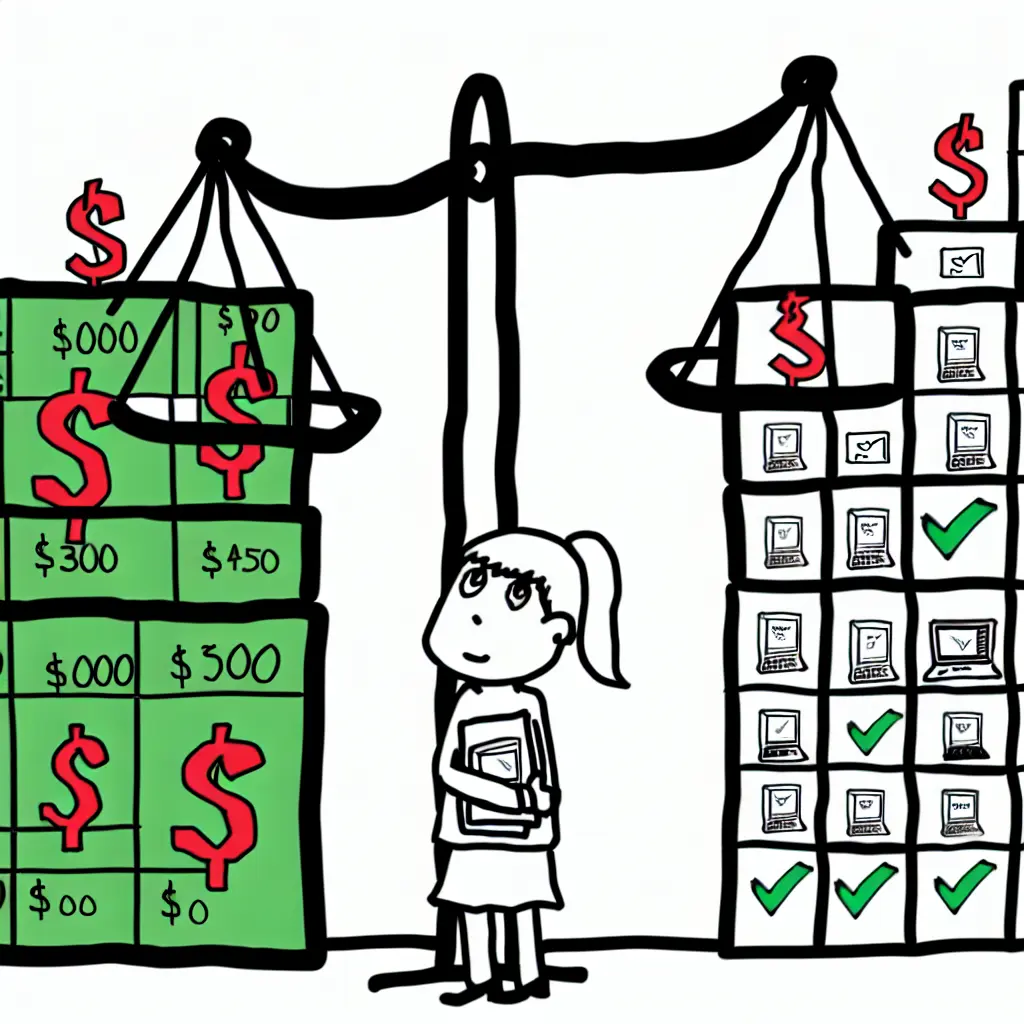
Universities negotiate bulk licensing deals with software companies like SPSS, EndNote, and Adobe, making these tools appear “free” to faculty who then recommend them without considering post-graduation costs. When professors suggest EndNote for reference management, they’re thinking of the institutional license—not the $300 annual subscription students face after graduation.
Real spending data reveals the true scope of this problem. According to Academic Software Survey 2023, students typically spend:
- $299-$399 on statistical software (SPSS, SAS)
- $200-$300 annually on reference managers
- $240 per year on Microsoft Office subscriptions
- $600+ on specialized discipline-specific tools
- $200-$400 on presentation and design software
The hidden costs extend far beyond licensing. Training courses, technical support, file format compatibility issues, and upgrade requirements can easily double the initial investment. One computer science student at UC Berkeley tracked spending $1,847 on software in her first year, only to discover free alternatives that handled her entire workflow.
Consider this telling comparison: Maria, a psychology PhD student, spent $800 on SPSS, Nvivo, and EndNote subscriptions. Meanwhile, her lab partner James completed identical analyses using R, RQDA, and Zotero—all completely free. Their final publications showed no difference in quality, methodology, or acceptance rates. The only difference? Maria had $800 less in her bank account.
The open-source revolution in academic software has accelerated dramatically since 2020. GitHub reports a 340% increase in academic-focused repositories, while platforms like Tesify demonstrate how modern web technologies can deliver premium research experiences without premium price tags.
Current Trend: The Rise of Free Academic Software Ecosystems
A quiet revolution is reshaping academic software, and the numbers are staggering. Open-source academic tool adoption has increased by 300% since 2020, driven by budget constraints, improved functionality, and a new generation of digitally-native students who refuse to pay premium prices for basic functionality.
Major universities are leading this transition. The University of California system saved over $50,000 annually by switching from proprietary reference management to Zotero across multiple departments. Harvard’s School of Public Health replaced SPSS with R in their statistics curriculum, cutting software costs by 85% while actually improving student outcomes through hands-on coding experience.
Student-led communities have become the driving force behind this change. Facebook groups like “Free Academic Software” boast over 47,000 members sharing workflows, tutorials, and troubleshooting tips. Reddit’s r/GradSchool frequently features detailed guides for replacing expensive toolchains with open-source alternatives.
The integration capabilities of modern free tools now rival—and often exceed—premium suites. Zotero’s API connects seamlessly with Google Docs, LaTeX editors, and even specialized platforms like Tesify for comprehensive thesis management. R packages can import data from virtually any source, perform complex analyses, and generate publication-ready visualizations without touching proprietary software.
COVID-19 accelerated this trend as universities tightened budgets and students faced unprecedented financial pressure. Remote learning highlighted the absurdity of requiring expensive software licenses for basic academic tasks when free alternatives delivered equivalent results from any device with internet access.
“The freemium trap catches students who assume ‘free tier’ means ‘limited functionality.’ In reality, truly free tools often provide more features than expensive alternatives—you just need to know where to look.”
— Dr. Michael Rodriguez, Digital Humanities Professor, NYU
Success stories continue multiplying. The University of Toronto’s Engineering Faculty documented a 78% reduction in software support tickets after transitioning to open-source tools. Students spent less time dealing with licensing issues and more time on actual research.
Deep Insight: The Complete Free Thesis Software Stack (6 Pillars)
Building a comprehensive research toolkit without spending money requires understanding the six fundamental pillars of academic software. This framework covers every aspect of thesis creation, from initial literature review to final defense presentation.
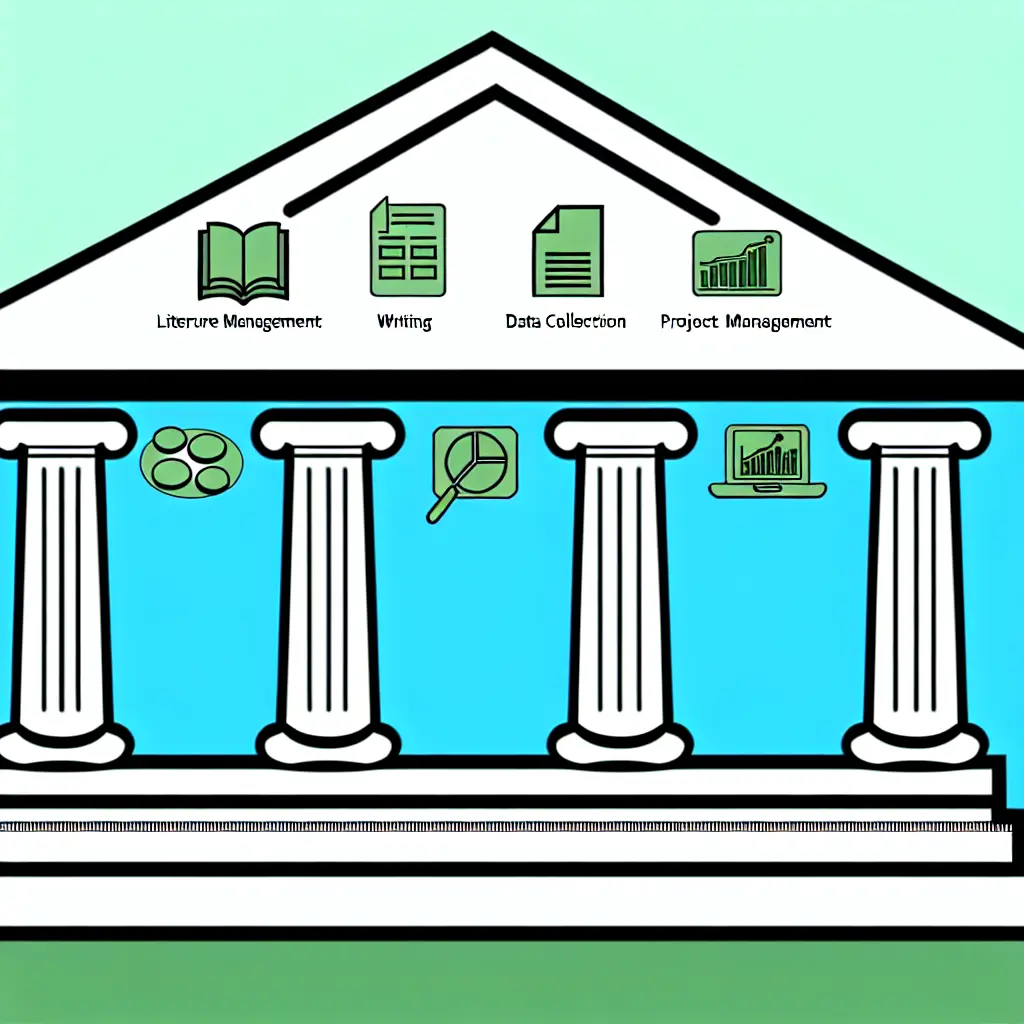
The Six-Pillar Framework for Budget-Friendly Academic Success
Pillar 1: Literature Discovery & Management
The foundation of any thesis starts with discovering and organizing research literature. Traditional recommendations center around EndNote ($300/year), but budget-friendly thesis software and tools offer superior alternatives at zero cost.
Zotero stands as the undisputed champion of free reference management. Unlike EndNote’s clunky interface, Zotero integrates seamlessly with web browsers, automatically capturing citation data from academic databases, news articles, and even social media posts. The Better BibTeX plugin transforms Zotero into a LaTeX powerhouse, generating perfectly formatted bibliographies that update automatically.
For literature discovery, combine Google Scholar with Semantic Scholar—both completely free and often more comprehensive than expensive databases. Semantic Scholar’s AI-powered recommendations and citation analysis rival proprietary tools costing thousands annually. CORE provides access to millions of open-access research papers, while Mendeley offers social features for collaborative research.
💡 Advanced workflow tip: Install the Zotero browser extension, set up automatic syncing, and configure the Better BibTeX plugin for seamless LaTeX integration. This combination replaces EndNote’s functionality while adding features like automatic PDF organization and collaborative libraries.
Cost comparison: $0 vs. EndNote at $300/year = $1,500 saved over a typical 5-year graduate program
Pillar 2: Writing & Document Creation
Document creation represents the heart of thesis work, where many students unnecessarily spend hundreds on Microsoft Office or Adobe Creative Suite subscriptions.
LaTeX with Overleaf provides professional typesetting that makes Word documents look amateurish. Overleaf’s cloud-based editor eliminates installation headaches while offering real-time collaboration, version control, and thousands of academic templates. Major universities provide premium Overleaf accounts, but the free tier suffices for most thesis projects.
For students preferring familiar interfaces, Google Docs offers robust collaboration features, automatic saving, and seamless integration with Zotero for citations. LibreOffice provides a complete Microsoft Office replacement with superior equation editing and bibliography management.
Notion has emerged as a powerful all-in-one solution, combining document creation with project management, note-taking, and database functionality. Many students build their entire thesis workflow around Notion’s flexible framework.
Version control with Git and GitHub brings enterprise-level document management to academic writing. Never lose work again, track every revision, and collaborate professionally with advisors who understand modern software development practices.
Pillar 3: Data Collection & Survey Tools
Primary research often requires expensive survey platforms or data collection software, but free alternatives handle most academic needs without compromising quality or compliance.
Google Forms provides unlimited responses, automatic data analysis, and seamless spreadsheet integration—all completely free. Advanced features like conditional logic, response validation, and custom themes rival paid platforms costing $50+ monthly.
LimeSurvey offers enterprise-grade survey functionality with complete data ownership and GDPR compliance. The self-hosted option requires technical knowledge, but cloud hosting starts free with generous limits. Typeform’s free tier creates engaging, mobile-optimized surveys that increase response rates.
For IRB compliance, document your chosen platform’s security measures and data handling policies. Free tools often provide better transparency than proprietary alternatives that hide security practices behind marketing language.
Integrate survey data directly with statistical software using R or Python scripts that automatically clean and analyze responses. This eliminates manual data entry errors while creating reproducible research workflows.
Pillar 4: Statistical Analysis & Visualization
This pillar showcases the biggest cost savings, where free tools significantly outperform expensive alternatives like SPSS ($1,200) or SAS ($8,700 annually).
R with RStudio provides statistical computing power that exceeds proprietary software capabilities. The comprehensive package ecosystem covers every statistical method imaginable, from basic descriptive statistics to advanced machine learning algorithms. Publication-ready visualizations through ggplot2 surpass anything produced by point-and-click software.
Python with pandas, matplotlib, and scikit-learn offers similar capabilities with stronger machine learning integration. Jupyter notebooks create reproducible analysis documents that combine code, visualizations, and narrative text—perfect for thesis appendices.
JASP bridges the gap for students preferring graphical interfaces, providing SPSS-like functionality with Bayesian analysis capabilities and beautiful output formatting—all completely free.
Learning curve concerns are overblown. Platforms like DataCamp, Coursera, and YouTube offer free courses specifically designed for academic researchers. The initial time investment pays dividends through increased analysis sophistication and career-relevant programming skills.
Pillar 5: Project Management & Productivity
Thesis completion requires sophisticated project management that expensive tools like Microsoft Project unnecessarily complicate and overcharge for.
Trello transforms thesis management into visual workflow boards perfect for tracking literature reviews, data collection progress, and writing milestones. Free accounts provide unlimited personal boards with sufficient automation features for individual projects.
Notion excels at comprehensive project management by combining task tracking, note-taking, and progress visualization in one platform. Create custom databases for literature reviews, interview transcripts, and research contacts while maintaining automatic cross-references.
Todoist handles detailed task management with natural language scheduling, project templates, and productivity tracking. The free tier accommodates complex thesis projects without artificial limitations.
Time tracking through Toggl or RescueTime provides insights into productivity patterns and helps optimize research schedules. Understanding where time actually goes—versus where you think it goes—revolutionizes work efficiency.
Pillar 6: Presentation & Defense Preparation
Thesis defense presentations and conference posters represent the culmination of years of work, making many students overspend on Adobe Creative Suite or PowerPoint subscriptions.
Canva for Education provides professional design templates, unlimited exports, and collaboration features that rival expensive design software. Academic email addresses unlock premium features at no cost, including brand kits and advanced animation options.
Google Slides ensures cross-platform compatibility while offering real-time collaboration for advisor feedback. Built-in presenter tools include speaker notes, automatic timing, and seamless screen sharing.
For technical presentations, reveal.js creates stunning HTML-based slideshows with mathematical equation support, syntax highlighting, and interactive elements impossible in traditional presentation software.
OBS Studio handles defense practice sessions through high-quality screen recording and streaming capabilities. Record multiple practice runs, analyze performance, and share recordings with advisors for feedback—all without expensive software licenses.
Forecast: The Future of Budget-Friendly Academic Software
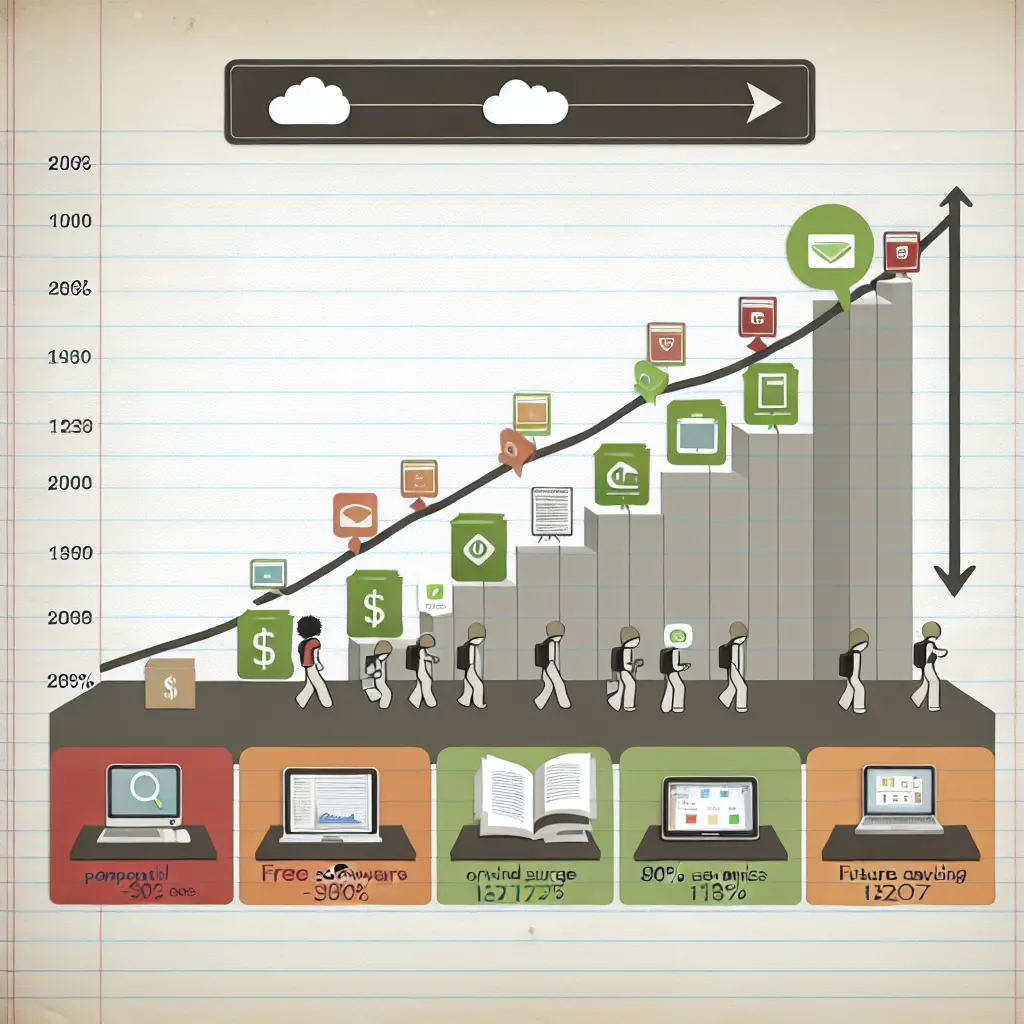
The trajectory of academic software points toward a future where premium tools become increasingly obsolete for student researchers. Current trends suggest that 80% of academic workflows will be free-tool based by 2027, driven by financial pressures, improved functionality, and generational shifts in technology expectations.
Artificial intelligence integration represents the next frontier, with free tools often leading innovation. Zotero’s upcoming AI-powered literature recommendations will rival expensive database features, while R packages already integrate with ChatGPT for automated analysis explanations. Python’s scikit-learn ecosystem advances machine learning capabilities faster than proprietary alternatives costing thousands annually.
University partnerships with open-source projects are expanding rapidly. The recent collaboration between major research institutions and the R Foundation demonstrates institutional commitment to free software ecosystems. Government funding increasingly prioritizes open-source academic infrastructure over proprietary licensing deals.
Mobile-first academic tools are reducing desktop software dependency entirely. Cloud-based platforms like Tesify demonstrate how modern web technologies deliver sophisticated research management without traditional software installation or licensing constraints.
Blockchain verification for academic credentials using free tools promises to revolutionize how institutions verify and share research outputs. This technology stack eliminates expensive verification services while increasing security and transparency.
“Premium software companies are fighting back with aggressive student pricing, but the fundamental value proposition has shifted. Why pay for limited functionality when free alternatives offer superior features?”
— Dr. Lisa Park, Information Science, MIT
The prediction extends beyond cost savings to capability improvements. Open-source academic software development cycles move faster than proprietary alternatives, incorporating user feedback and technological advances within months rather than years.
However, premium software companies won’t disappear quietly. Expect increased marketing toward academic institutions, more restrictive “free” tiers, and acquisition attempts of successful open-source projects. Students must remain vigilant against artificial limitations designed to force premium upgrades.
Start Your Free Thesis Journey Today
Building your budget-friendly thesis software stack starts with immediate action rather than overwhelming planning. The transition from expensive tools to free alternatives happens gradually, allowing you to test functionality before fully committing to new workflows.
🚀 Week 1 Action Steps:
- Download Zotero and import 10 sources this week from your current research area. Install the browser extension and Better BibTeX plugin for advanced functionality.
- Set up a free Overleaf account for LaTeX writing and explore academic templates relevant to your discipline. Start with a simple document to familiarize yourself with the interface.
- Install R and RStudio, then complete your first tutorial using built-in datasets. Focus on basic operations rather than advanced statistics initially.
Track your progress and get personalized recommendations with Tesify’s comprehensive thesis planning tools. The platform integrates with your free software stack while providing collaborative features, AI-powered writing assistance, and progress tracking that traditional tools can’t match.
For ongoing support and community insights, join the active forums at tesify.io where students share free tool tips, troubleshooting solutions, and workflow optimizations. The collective knowledge of budget-conscious researchers accelerates your learning curve while building professional networks.
Download our comprehensive “30-Day Free Software Setup Plan” for detailed implementation schedules, troubleshooting guides, and advanced configuration tips. This checklist transforms the overwhelming prospect of software replacement into manageable daily actions.
💰 Money-back guarantee: If these free tools don’t revolutionize your research workflow, we’ll gladly refund your $0 investment—along with a personalized consultation on optimizing your setup!
Remember, every dollar saved on unnecessary software licenses is a dollar available for conference presentations, research materials, or simply reducing the financial stress that undermines academic performance. Your thesis quality depends on your ideas and methodology—not the price tag of your software toolkit.
The academic world is changing, and students leading with budget-friendly thesis software and tools are positioning themselves at the forefront of this transformation. Start today, save thousands, and build research capabilities that will serve your entire career.



Leave a Reply